How to Use Astra AI Exam Prep: From Your Notes to a Study Plan
Astra AI Exam Prep turns your notes, PDFs and past tests into a study plan that ends on your test date. Here is how to set it up in four steps, run a 10-day biology example, pick lessons vs quizzes vs flashcards, and see what is free and what is paid.
Short answer
Astra AI Exam Prep turns the notes, PDFs, past tests and worksheets you already have into a personal study plan that ends on your test date. You upload your materials, set the date (and the grade you are aiming for), then work through each topic with lessons, quizzes, flashcards, podcasts and an AI tutor, while a progress view shows what you have already mastered.
This guide walks through the setup in four steps, shows a 10-day biology example, explains when to use each practice format, and explains what is free and what is paid. It is a how-to for Exam Prep, not a generic exam-cram essay.
What Exam Prep is (and is not)
Exam Prep is built around your materials. Photos of handwritten notes, PDFs, past tests, old exams and worksheets go in; a topic-by-topic path that ends on the date you choose comes out. You can share a plan with classmates so everyone studies the same outline at their own pace, and your personal progress stays private.
It is not a magic dump of the whole internet into your exam. If a topic is missing from what you upload, it will not suddenly appear as "exam ready." Treat the plan as a structure for the materials you trust, then still sit a full practice paper under exam conditions before the real thing.
Set up Exam Prep in four steps
1. Gather what will actually be on the test
Collect the notes, slides, worksheets and past papers that match this exam, not every file from the semester. Prefer clear photos and complete PDFs over blurry chat screens. The product page lists photos of notes, PDFs, past tests, old exams and worksheets as the usual uploads.
2. Upload and set your test date
In Exam Prep, upload those files and choose the test date. You can also set the grade you are aiming for. Astra analyses the materials, links related topics and builds a path that is meant to finish on that date.
3. Follow the day's goals, topic by topic
Open today's goals and work the next topic in the sequence, so you always know what comes next instead of guessing which chapter to reread.
4. Check yourself the way the test will
Near the end of the path, practise out loud or with a written mock in the same format as the real exam. Use the progress view to see mastered topics and what is still open. Ask the AI tutor only where a step still does not make sense, then try a fresh question of the same type without looking.
Example: a 10-day biology unit test
Imagine a biology unit test in 10 days on cell division, DNA and protein synthesis. You have lecture slides, two lab worksheets and last year's practice quiz.
Day 0 (30-40 minutes). Upload the slides, worksheets and practice quiz. Set the test date for day 10 and a realistic target grade. Skim the generated topic list and delete or ignore anything that is clearly from another unit.
Days 1-3. Work the early topics with concise lessons and short quizzes. After each quiz, write one sentence in your own words for any item you missed (for example, "Crossing over happens in prophase I, not metaphase").
Days 4-6. Switch heavier work to flashcards for terms (centromere, codon, anticodon) and keep one short quiz a day. Leave a gap of at least a day before you revisit the same card set. That matches what spacing research recommends for longer retention.
Days 7-8. Use podcast-style summaries while you commute for a low-effort pass, then sit the practice quiz under timed conditions without notes.
Days 9-10. Re-open only the weak topics in Exam Prep, ask the tutor to explain the two hardest missed items, and sleep on a short review rather than a new all-nighter. On test morning, reread your own one-sentence fixes, not the whole PDF pile.
If you only have three days, compress the same loop: upload → set date → one full pass of quizzes → timed practice → weak-topic repair. Do not skip the timed practice.
Lessons, quizzes, flashcards and podcasts: when to use which
Exam Prep offers several formats for the same topic. Pick the format that matches the job, not the one that feels easiest.
| Format | Best for | Why it helps |
|---|---|---|
| Concise lessons | First pass on a messy chapter | Gives a structured explanation from your notes before you test yourself |
| Quizzes / practice testing | Checking whether you can retrieve the idea | Practice testing is rated high utility in Dunlosky et al.'s review of learning techniques |
| Flashcards | Terms, steps and short definitions | Fast retrieval reps; space them across days rather than massing them in one sitting |
| Podcast-style summaries | Review while walking or commuting | Light spaced exposure after you already know the basics, not a substitute for a first read |
| AI tutor Q&A | The one stuck step | Use after you have tried; then close the chat and solve a new item alone |
Dunlosky and colleagues rate practice testing and distributed practice as high-utility techniques across many ages and materials, while rereading and highlighting score lower for lasting learning. Cepeda and colleagues' synthesis of spaced practice shows that spreading study over days beats cramming into one block when you need to remember material for more than a short time. Exam Prep's daily goals and topic by topic plan are a practical way to apply that: short checks often, with gaps between reviews, instead of one long reread the night before.
Free vs paid
You can start Exam Prep from the free Astra AI plan ("Try for free" on the Exam Prep product page). The free plan is meant for everyday tryouts and has usage limits; teachers' pages describe the free version as having a message limit that can interrupt longer sessions.
Astra AI Plus unlocks unlimited tutoring, mock exams and podcasts for less per month than a single hour of private tutoring.
If you need a long Exam Prep run with many uploads and tutor turns, budget for Plus once the free limit blocks you, and do not assume unlimited free use through a two-week exam window.
Honest limits
- Garbage in, thin plan out. Blurry photos, incomplete notes or materials from the wrong unit produce a weak path.
- AI can err. Treat explanations as a tutor draft: match them against your teacher's wording and your textbook before you trust a definition on the exam.
- Not a replacement for past papers. Always sit at least one full paper in exam conditions.
- Shared plans hide your scores. Classmates see the plan, not your personal progress. That is useful for groups, but everyone still needs their own practice.
- Subject coverage depends on uploads. Many shared Exam Preps exist on the platform; if yours is missing, you start one from your own files.
Start from your next test date
Pick the next exam on your calendar, upload only the materials for that exam, set the date, and complete today's first goal today, not after another round of unsorted PDFs.
Frequently asked questions
Is Astra AI Exam Prep free?
You can start on the free Astra AI plan from the Exam Prep page without paying up front. Free use has usage limits.
What files can I upload to Exam Prep?
Exam Prep is built for photos of your notes, PDFs, past tests, old exams and worksheets. Upload the materials that match the exam you are sitting. Clear, complete files work better than blurry chat screenshots.
How far ahead of an exam should I start Exam Prep?
Set the real test date when you create the plan so the path can spread topics across the days you still have. A 10-day window is enough for a unit test if you do daily goals; with only a few days, compress to upload, one quiz pass, a timed practice paper and weak-topic repair. Starting the night before still helps for triage, but it cannot replace spaced practice over several days.
Can I use Exam Prep for any subject?
Yes for subjects where you have materials to upload. Students share Exam Preps across many subjects on the platform; if yours is not there yet, start one from your own notes and past papers. The plan only covers what is in the files you add.
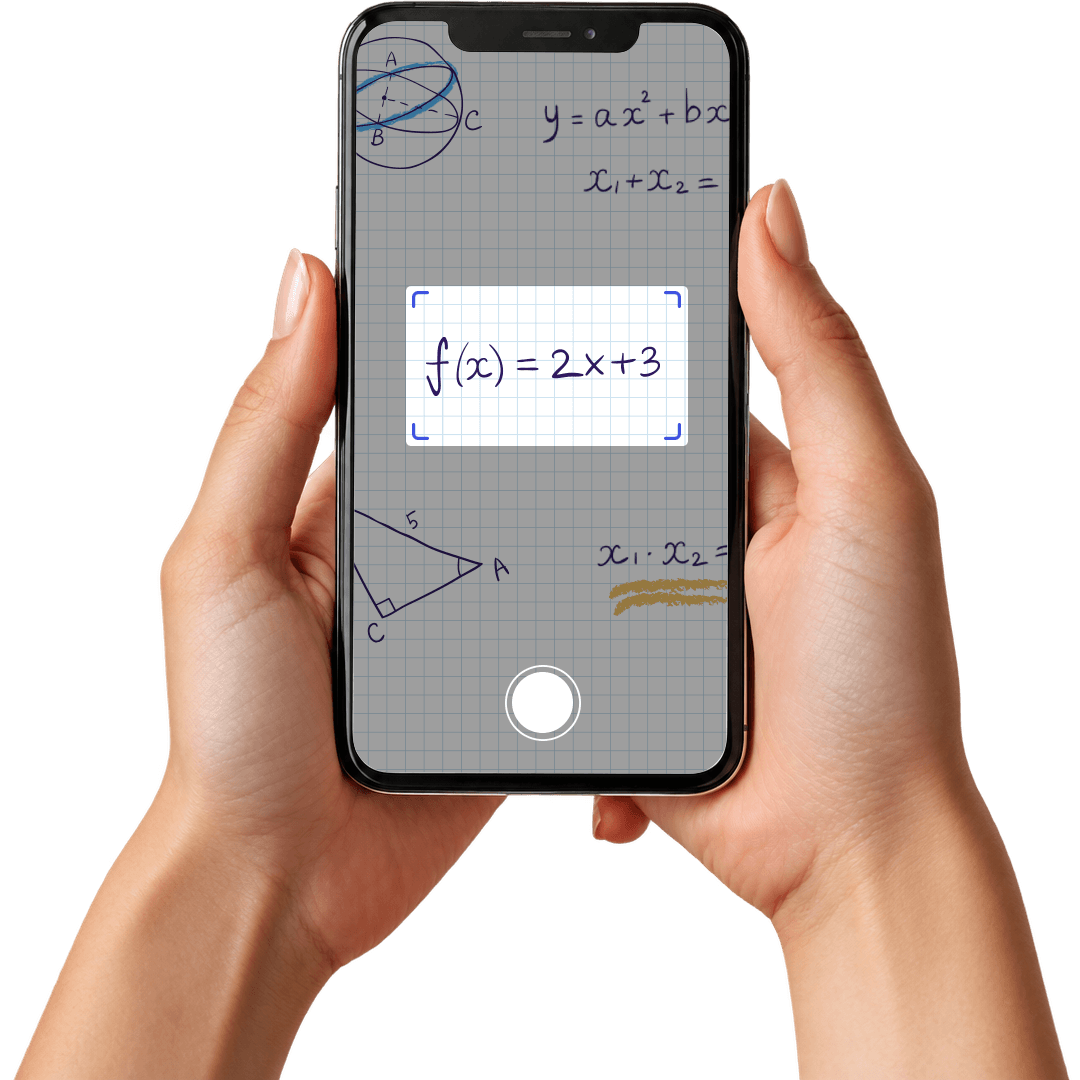
Stuck on a problem? Just scan it.
Snap a photo of any question and the AI Tutor walks you through it step by step, until it actually clicks.
Try for free